Skip to content
Koala Docs
Main Navigation
简体中文
繁體中文
English
日本語
한국어
Return to top
On this page
Back Tap Guide
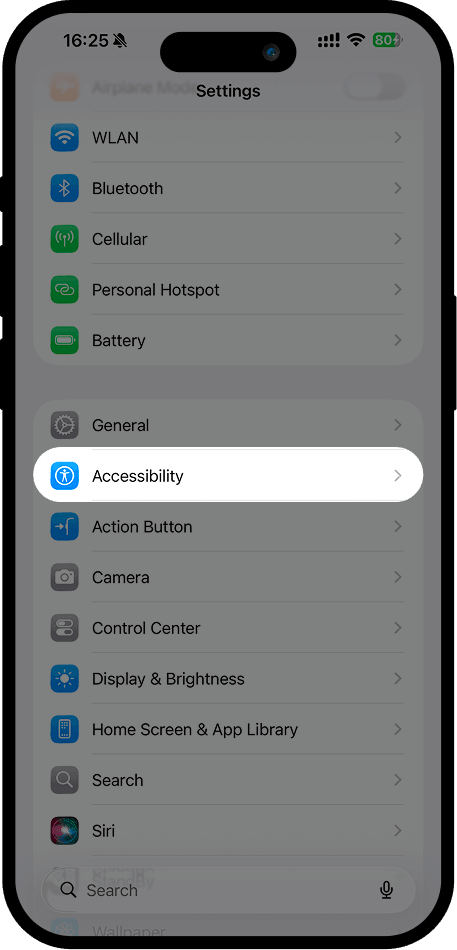
1. Open "Settings", select "Accessibility"
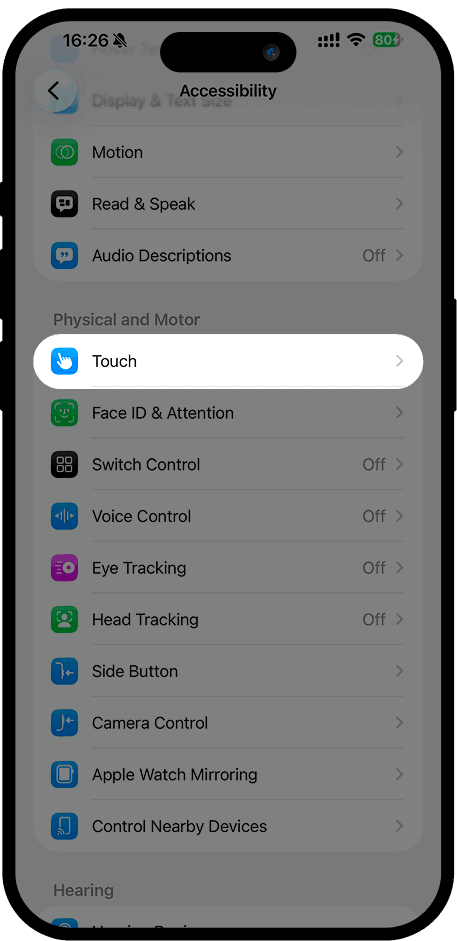
2. In "Accessibility", find "Touch" and tap it
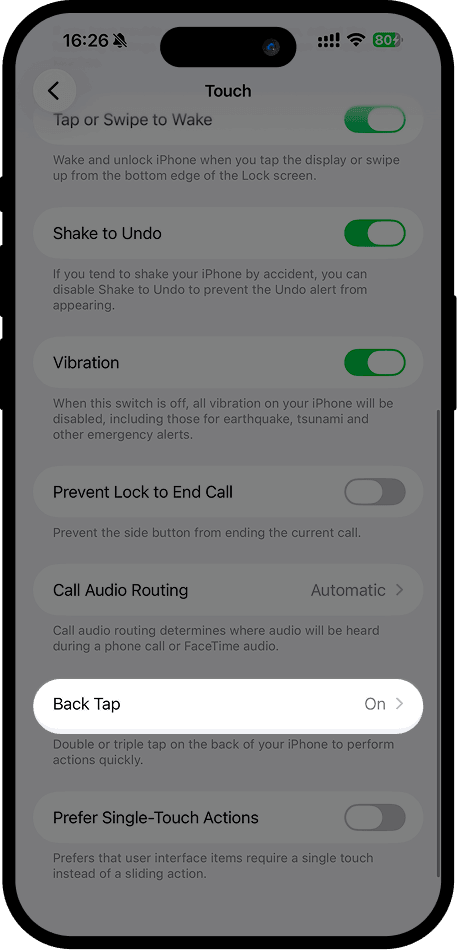
3. In "Touch", find "Back Tap", tap to enter, then select "Double Tap" or "Triple Tap"
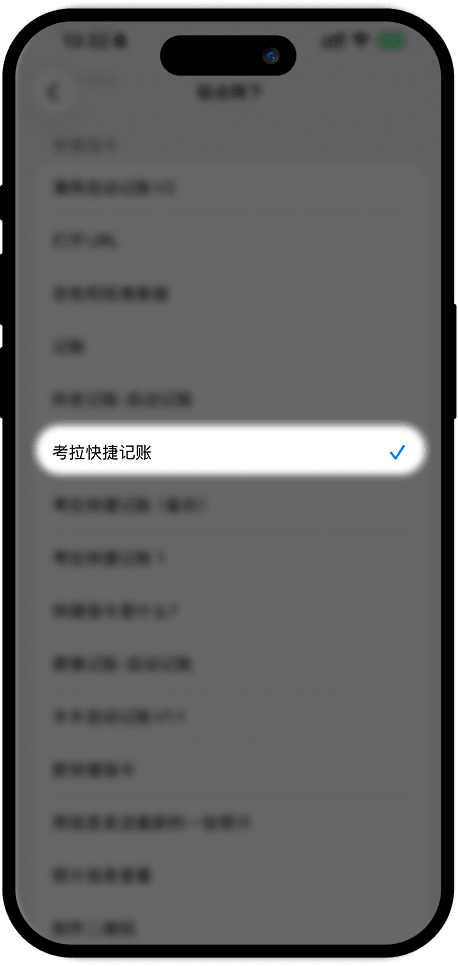
4. In "Double Tap" or "Triple Tap", scroll to the bottom and select "考拉快捷记账" under Shortcuts